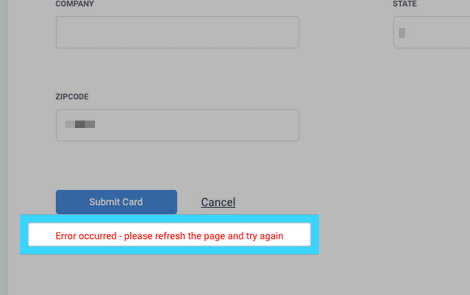
Notification when adding a credit card
Are you trying to add a credit on the desktop dashboard but are getting an error notification? Normally, this is due to the administrator account not having a credit card processor set up. To do this, visit the administration dashboard and click on the Setting tab. On the next screen, click on the Billing tab to the left. You will then see the option to add a credit card processor. Once you have it set up, you will then able to add a credit card on the desktop dashboard.
Click here to learn how to set up a credit card processor.
Thank you for choosing SMS Factory!