Marking multiple or all messages as read
Great news! We've added the option to mark multiple or all messages as read. Simply head over to your desktop dashboard and click on the "Unread" tab. Click on one of the messages, select multiple messages, or select the top box select all messages to mark them as read. We think this will be very helpful depending on the number of messages you're receiving. Click here to view our full guide. Go check it out today!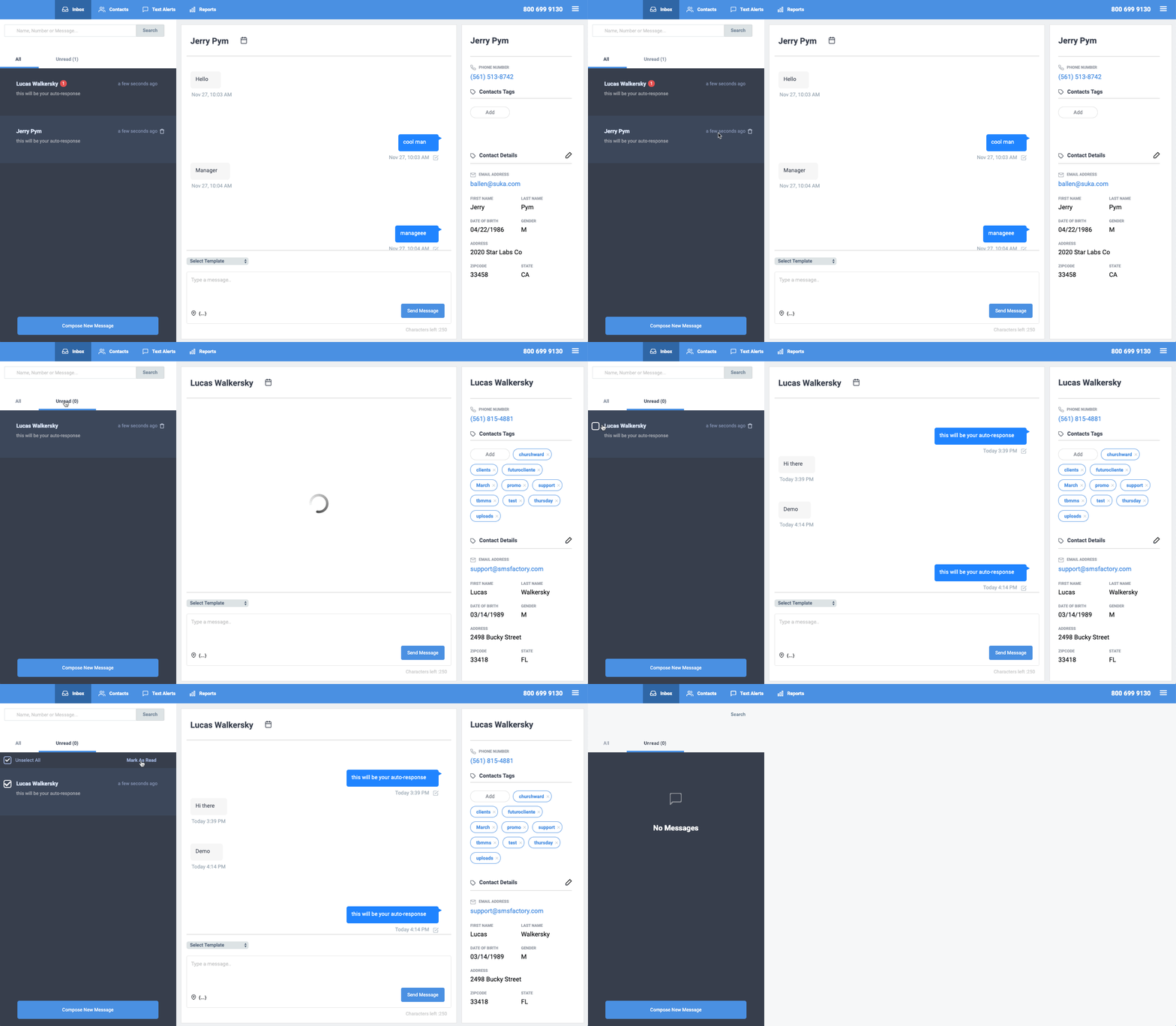
Thank you for choosing SMS Factory!