Numbers not importing?
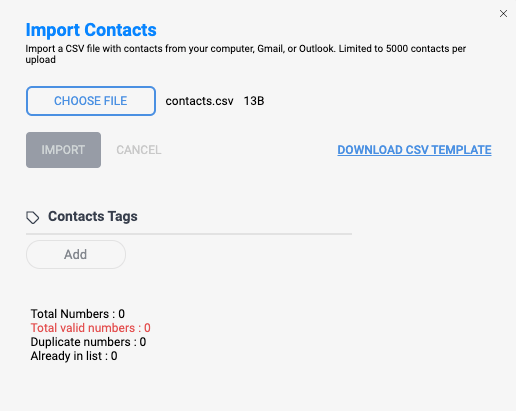
So you're trying to upload contacts but the report shows 0 valid numbers. What is happening? Most likely, the file that you're trying to upload may not be compatible. Please note that the file being uploaded must be in CSV format. Also, the columns in your CSV file must be named based on the data being uploaded. For example, the column with the mobile numbers must be named "Phone Number" on the first cell at the top of the column. You can also use our CSV template provided on the upload pop-up that includes the column names. Once these changes are made, your contacts should be imported without issues.
Thank you for choosing SMS Factory!