Updated "Messages Sent" report
This week we've updated the "Messages Sent" report with the option to download the data in a CSV file. From your administrator dashboard, click on Reports. Next, select the "Messages Sent' report. On the next screen, select a specific time period and account. Finally, click on the numbers link that will take you to a page where you can find the option to download the report as a CSV file.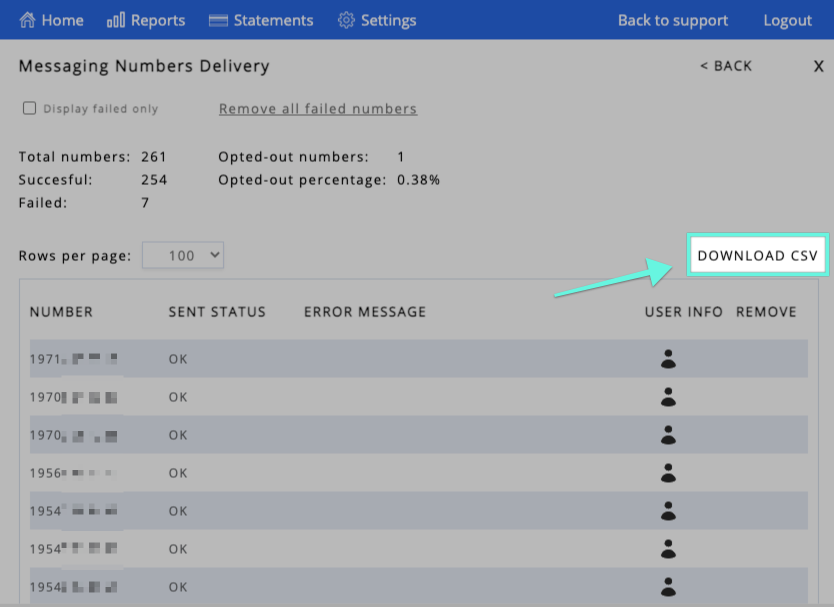
Thank you for choosing SMS Factory!