You can import multiple contacts into your account using our CSV file template.
- Go to the Contacts tab.
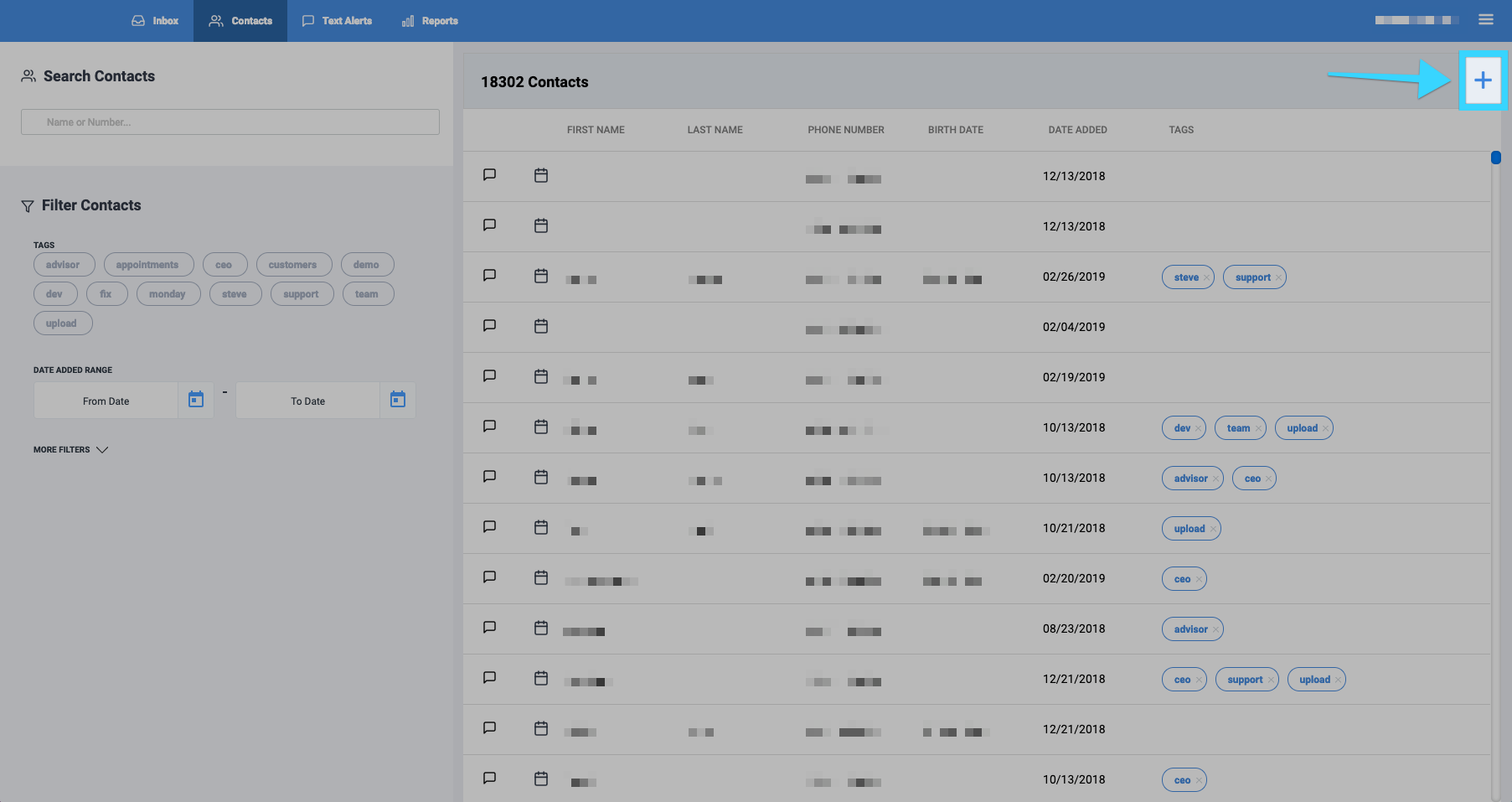
- Click on the contact tool button.
- The contact tool will bring up three options:
- Add Contact: Allows you to add a single contact manually.
- Upload from CSV: Allows you to import a CSV file with contacts from your computer, Gmail, or Outlook. Limited to 5000 contacts per upload.
- Export CSV: Allows you to export all of your contacts to a CSV file.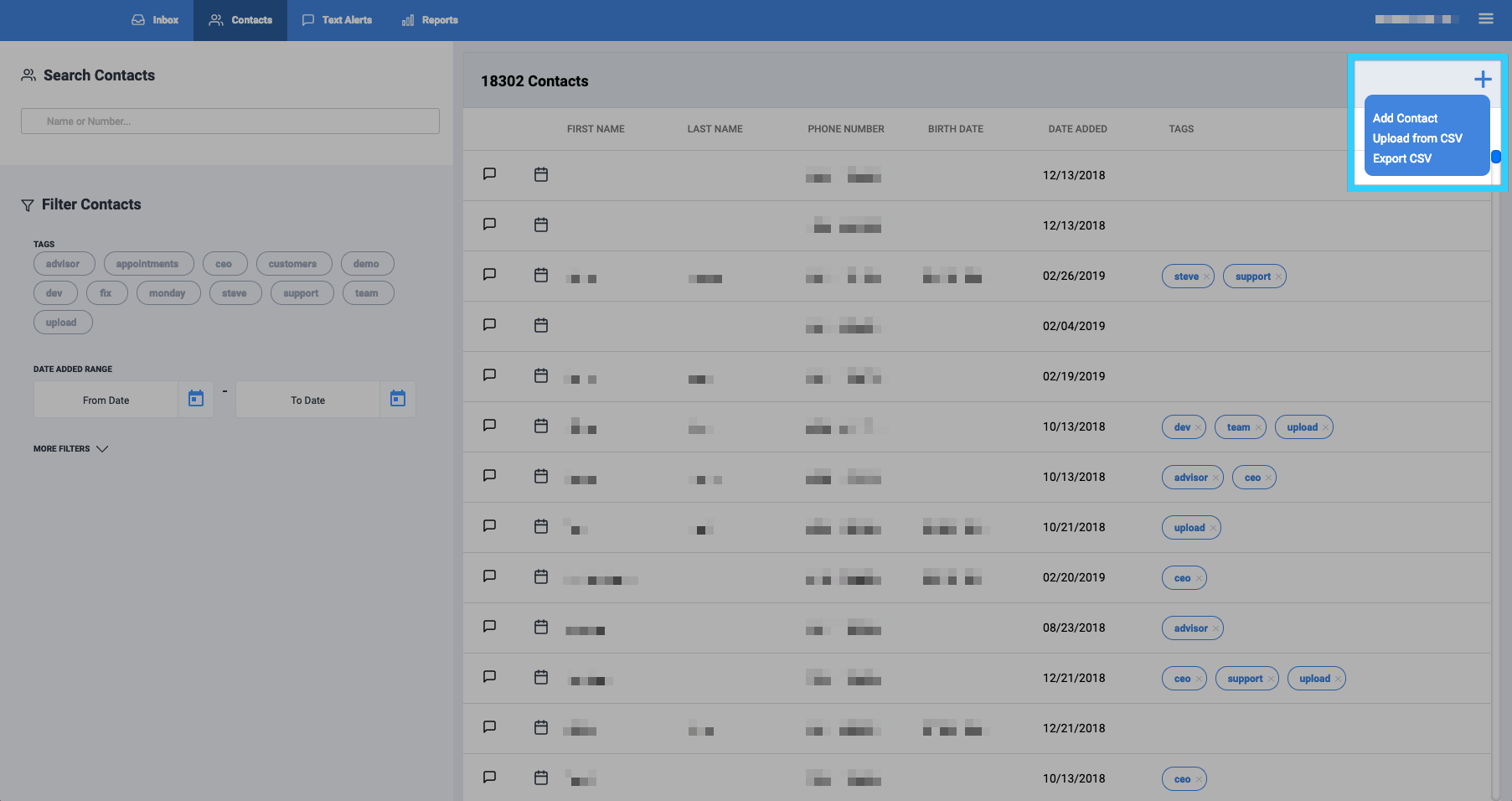
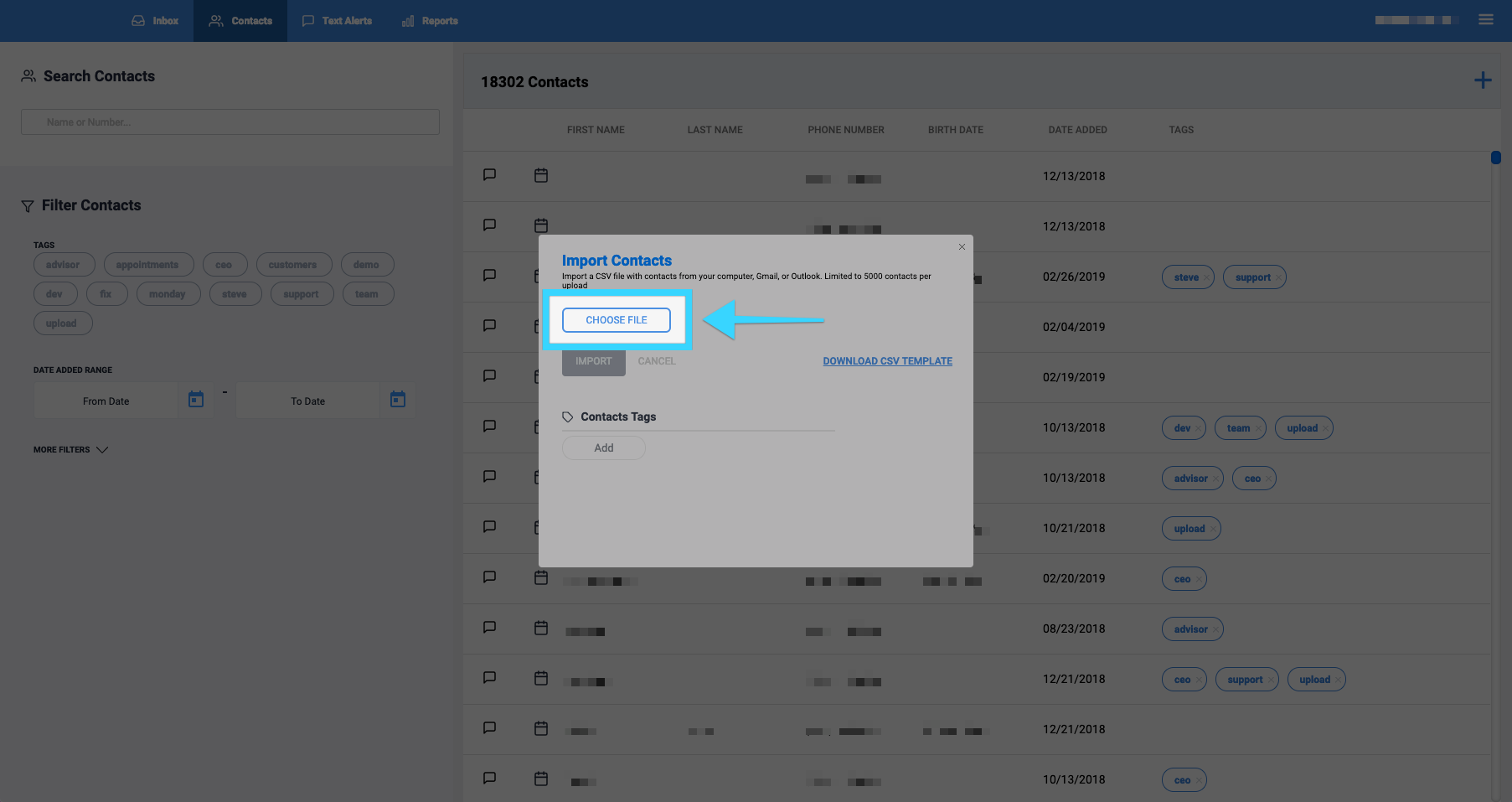
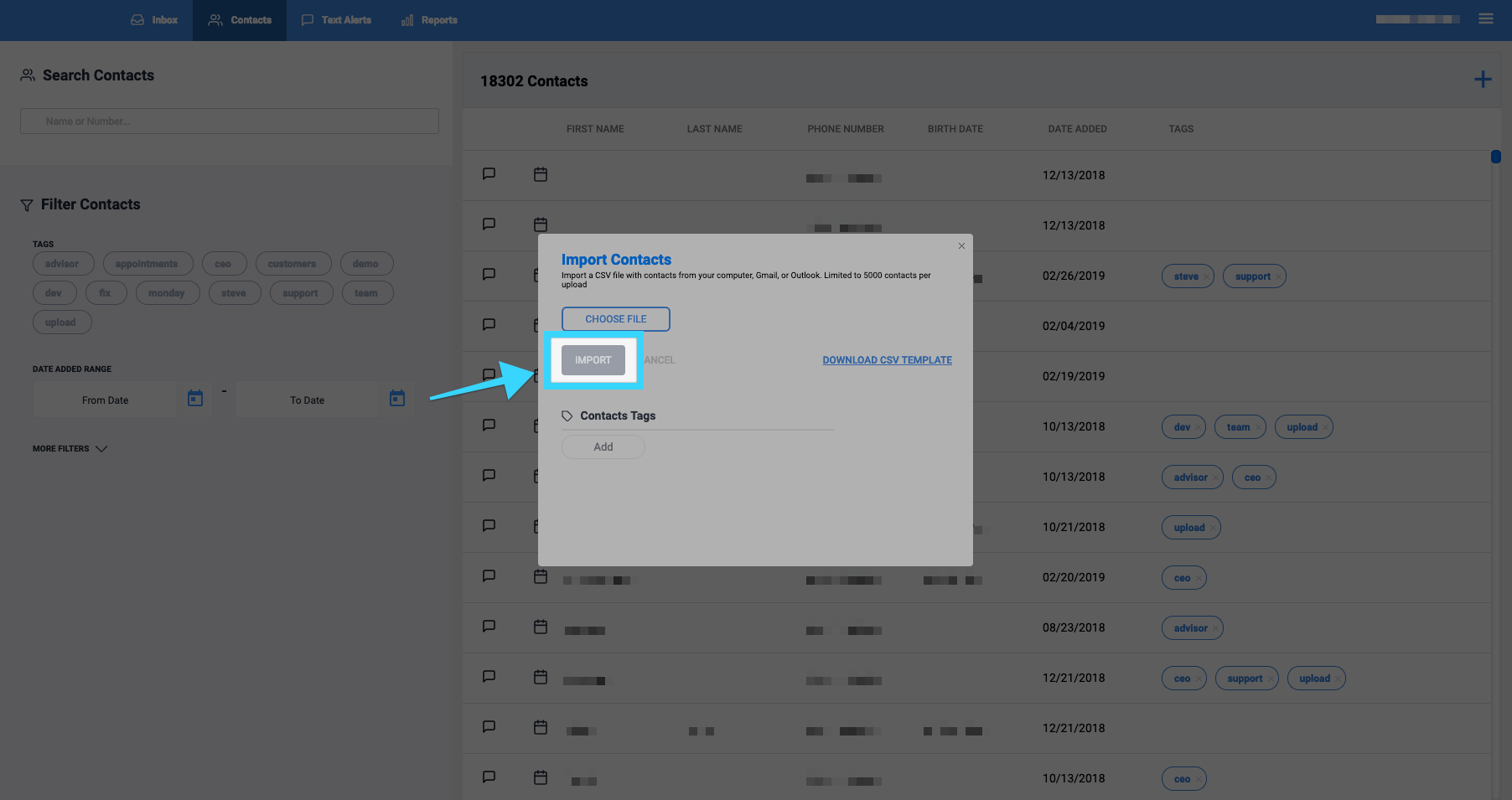
- Select "Upload from CSV" and then click "Choose File" to upload your contacts using a CSV file from your computer, Gmail, or Outlook. Limited to 5000 contacts per upload. You can also download our CSV template, add your numbers, then upload the file to our platform.
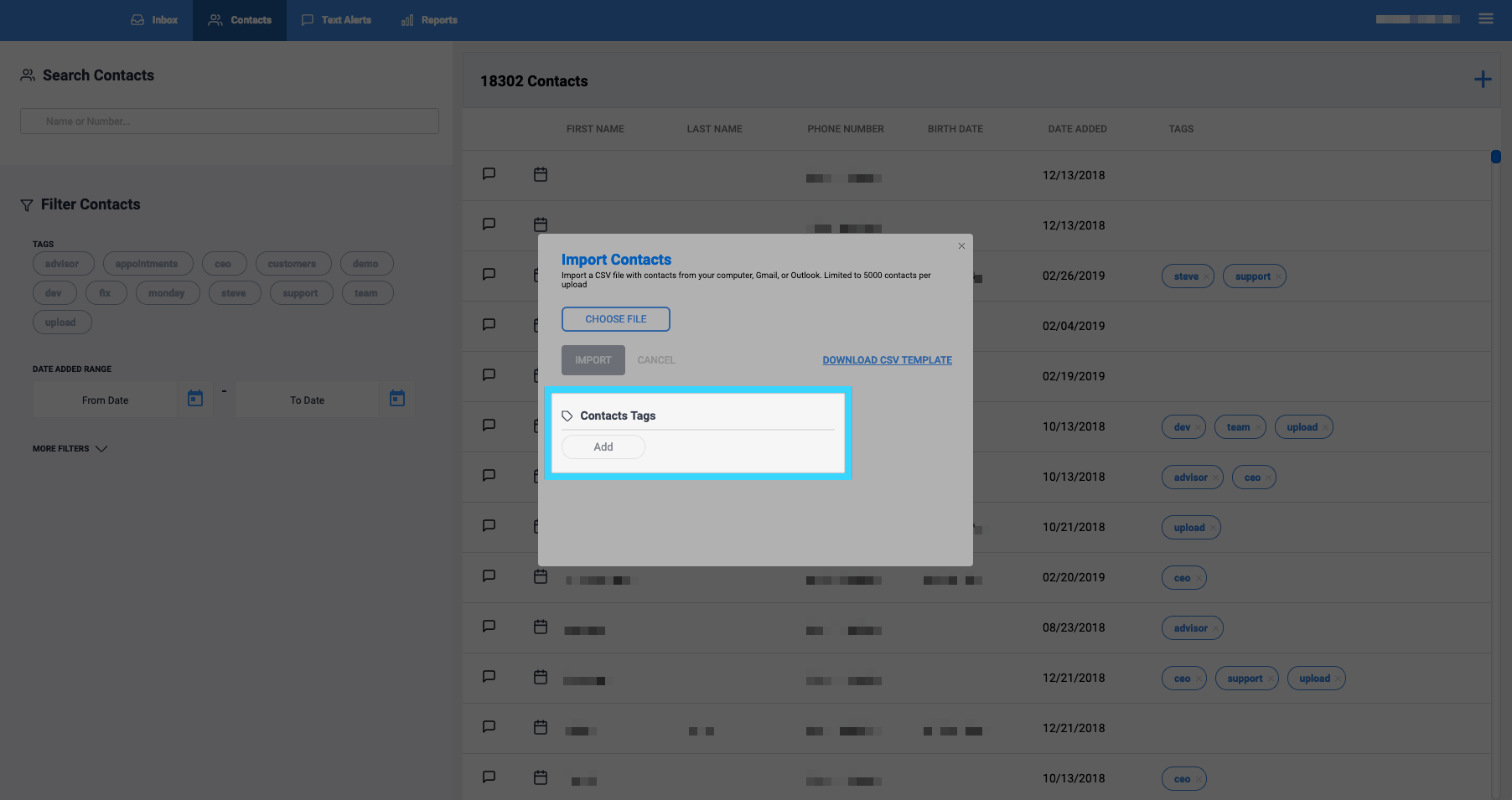
- Optional: Under "Contacts Tags," you can add tags to you the contacts you will import.
- Click "Import" and the contacts will be imported.
- You're all set!