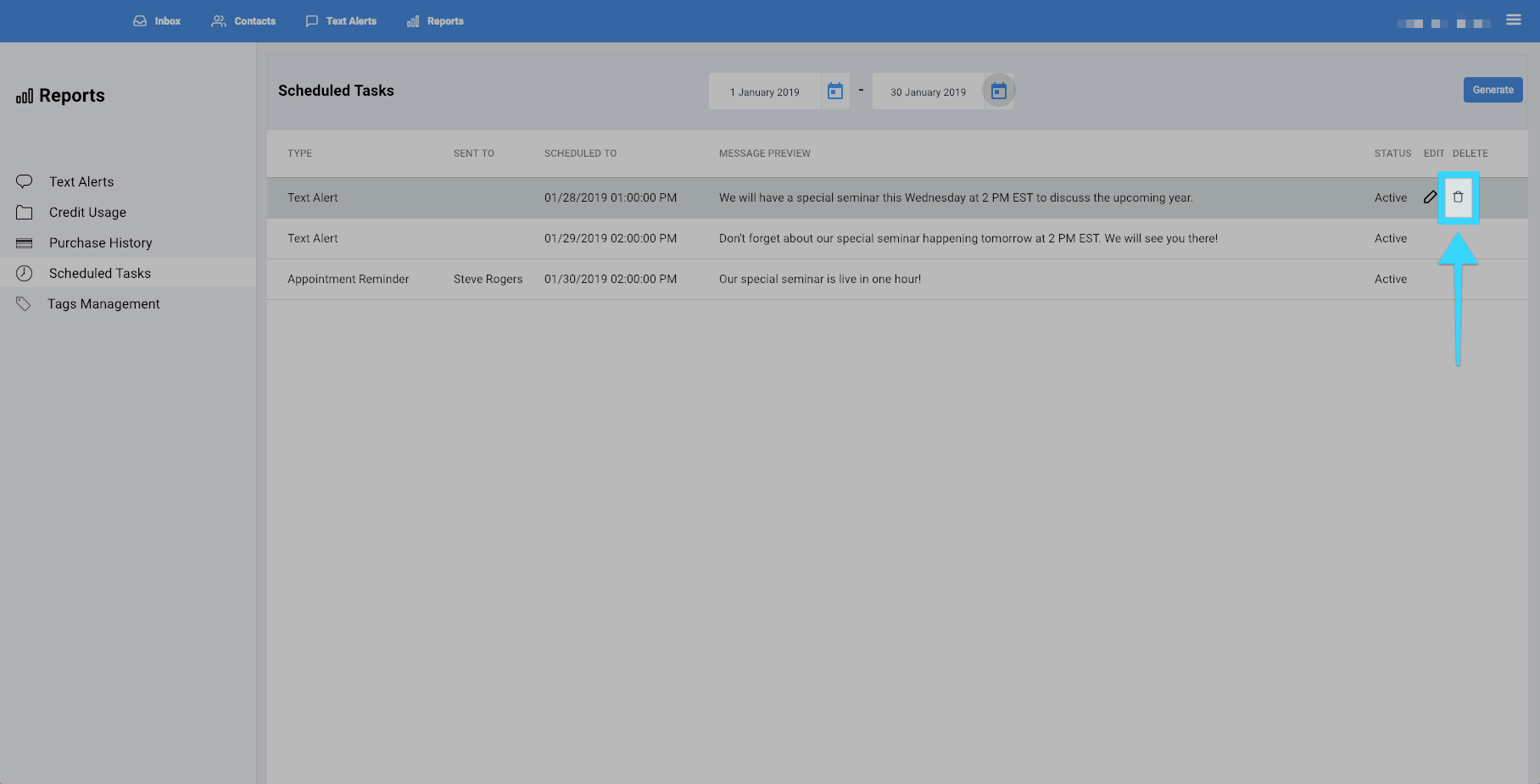
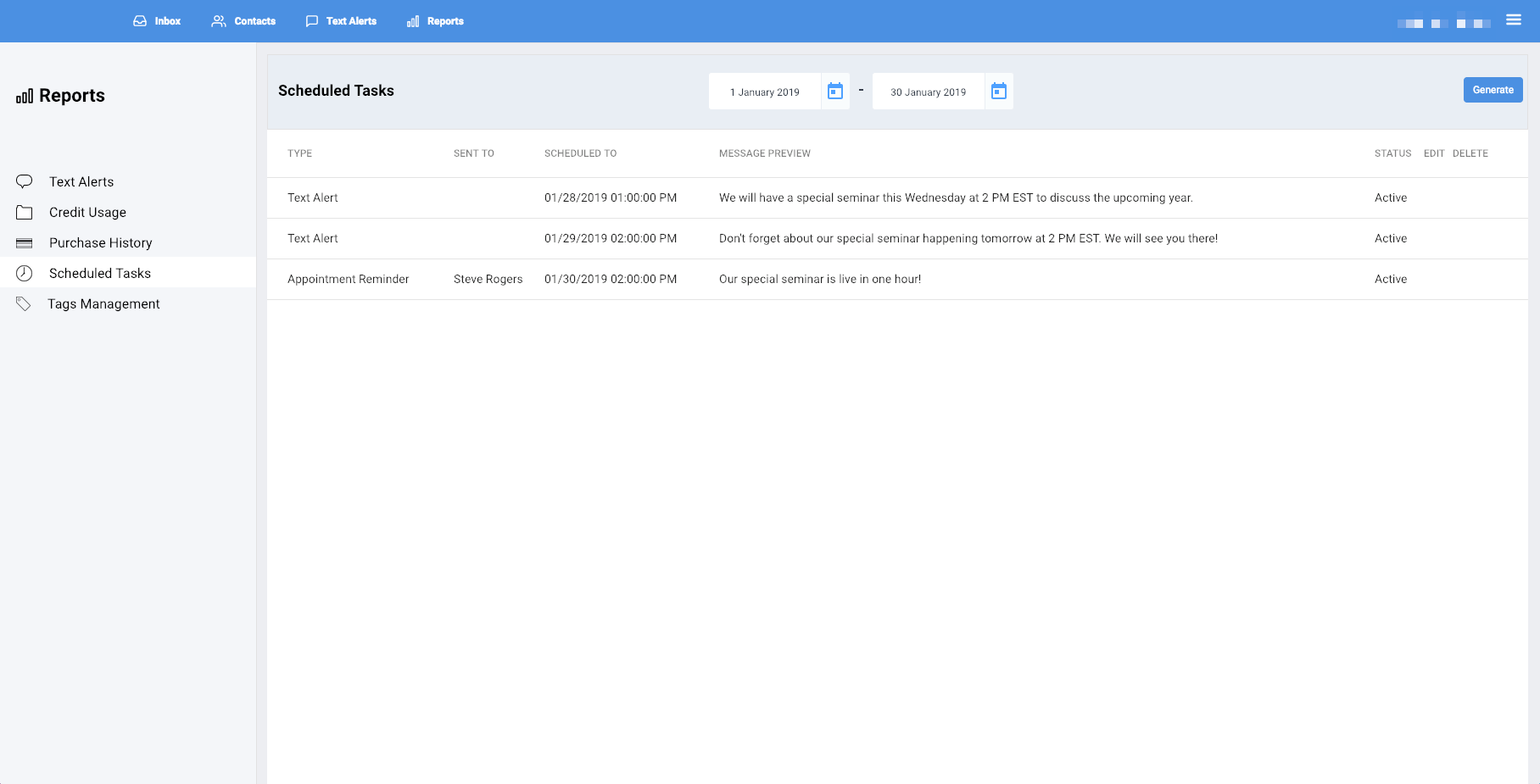
You can view your upcoming scheduled tasks in the "Scheduled Tasks" report.
- Click on the Reports tab.
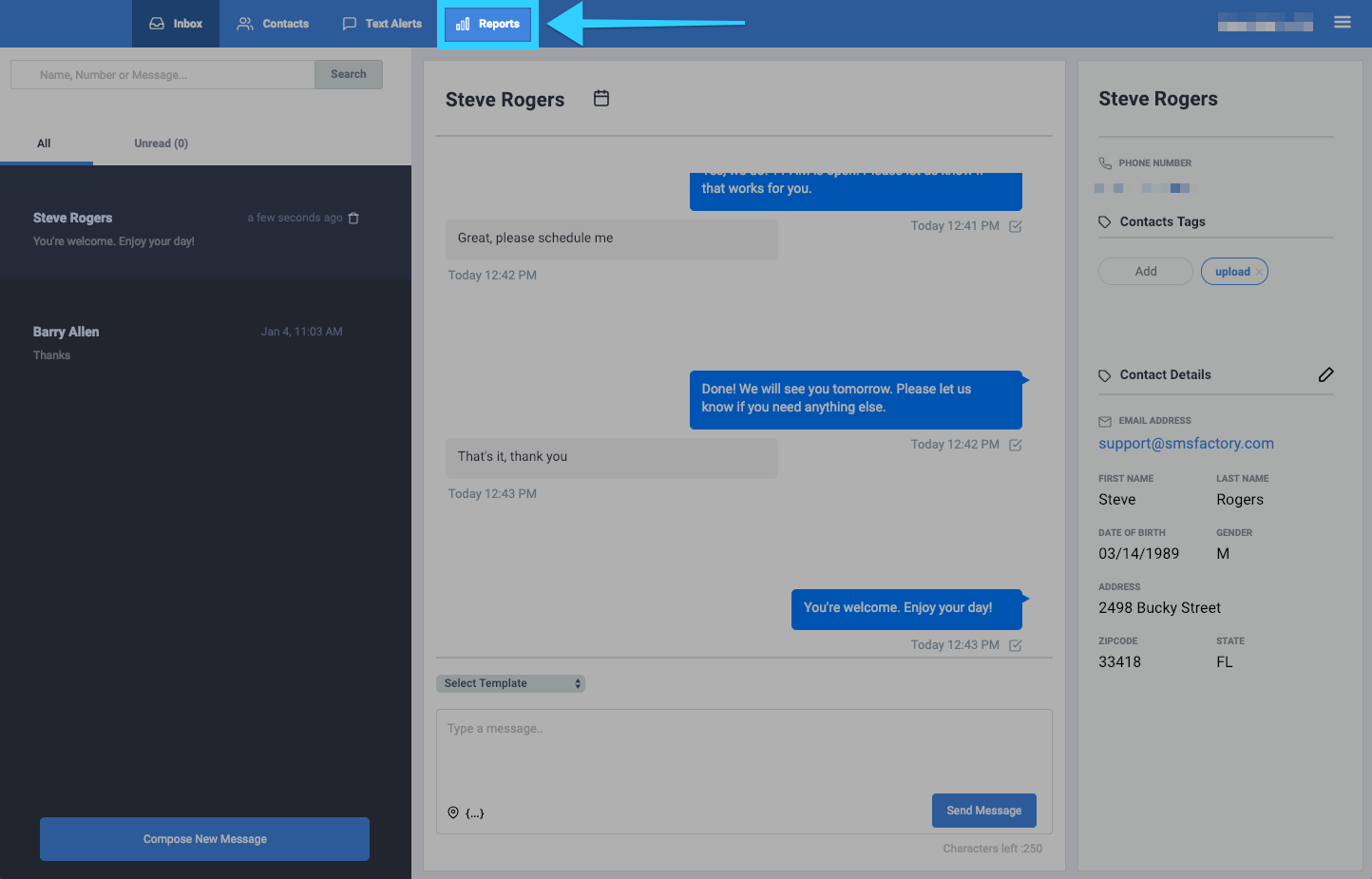
- You will be presented with different report options on the left side of the screen. Click on "Scheduled Tasks."

- You will then be presented with a report of all the scheduled tasks.

- You can filter the report by selecting a desired time period at the top.
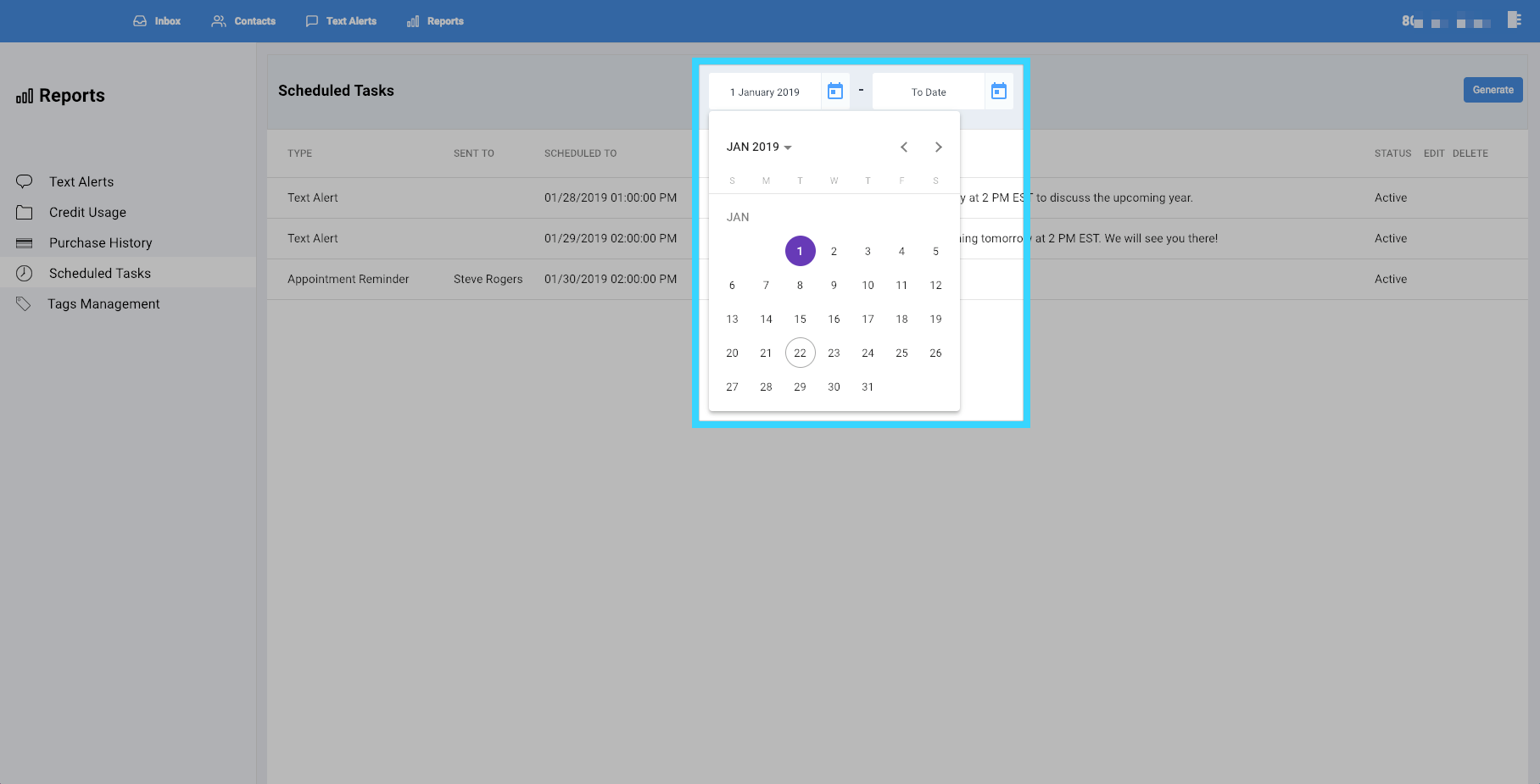
- Once you've selected your desired time period, click "Generate."
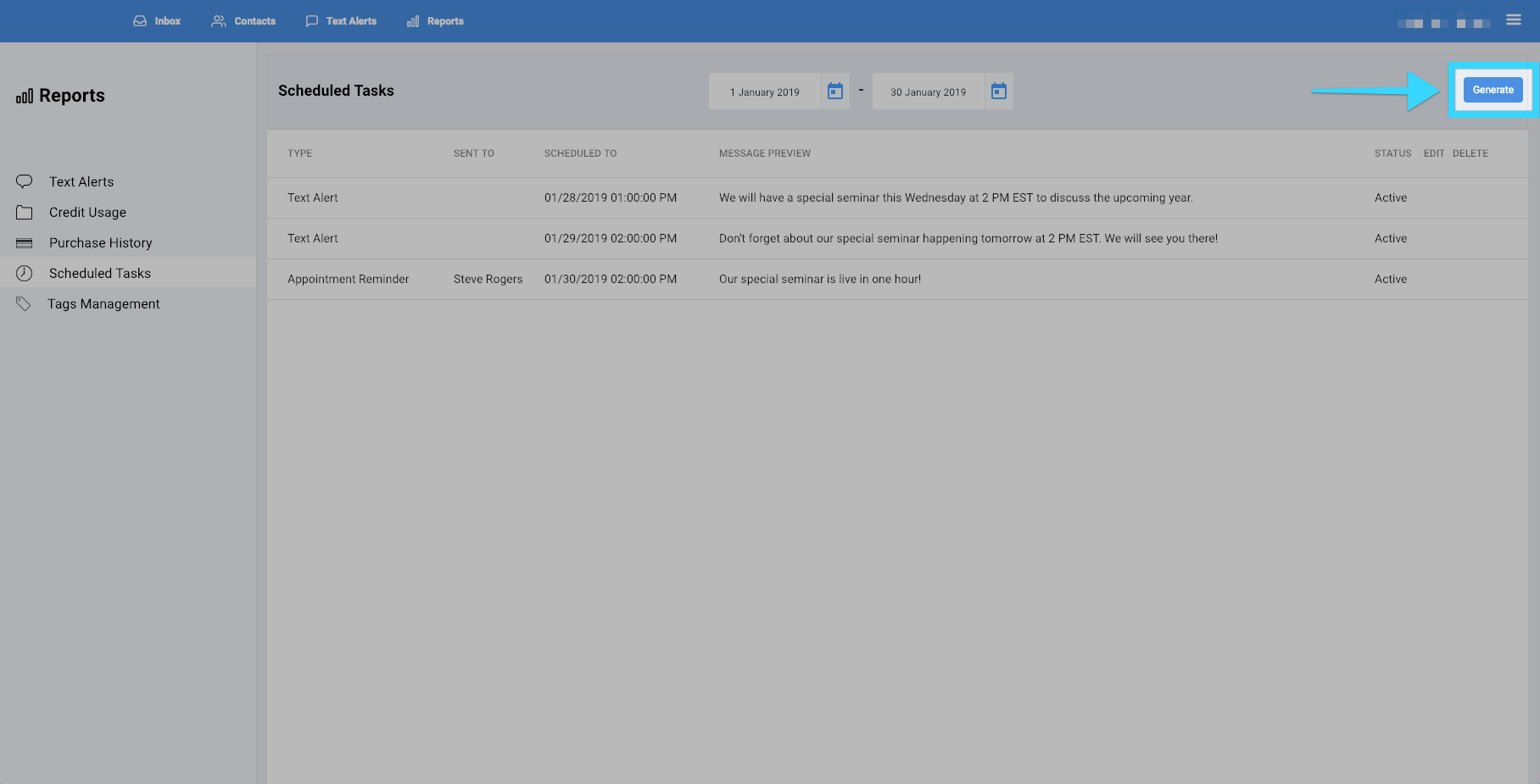
- You will be presented with a report of your desired time period. If there isn't any data for that time period, no data will be shown.
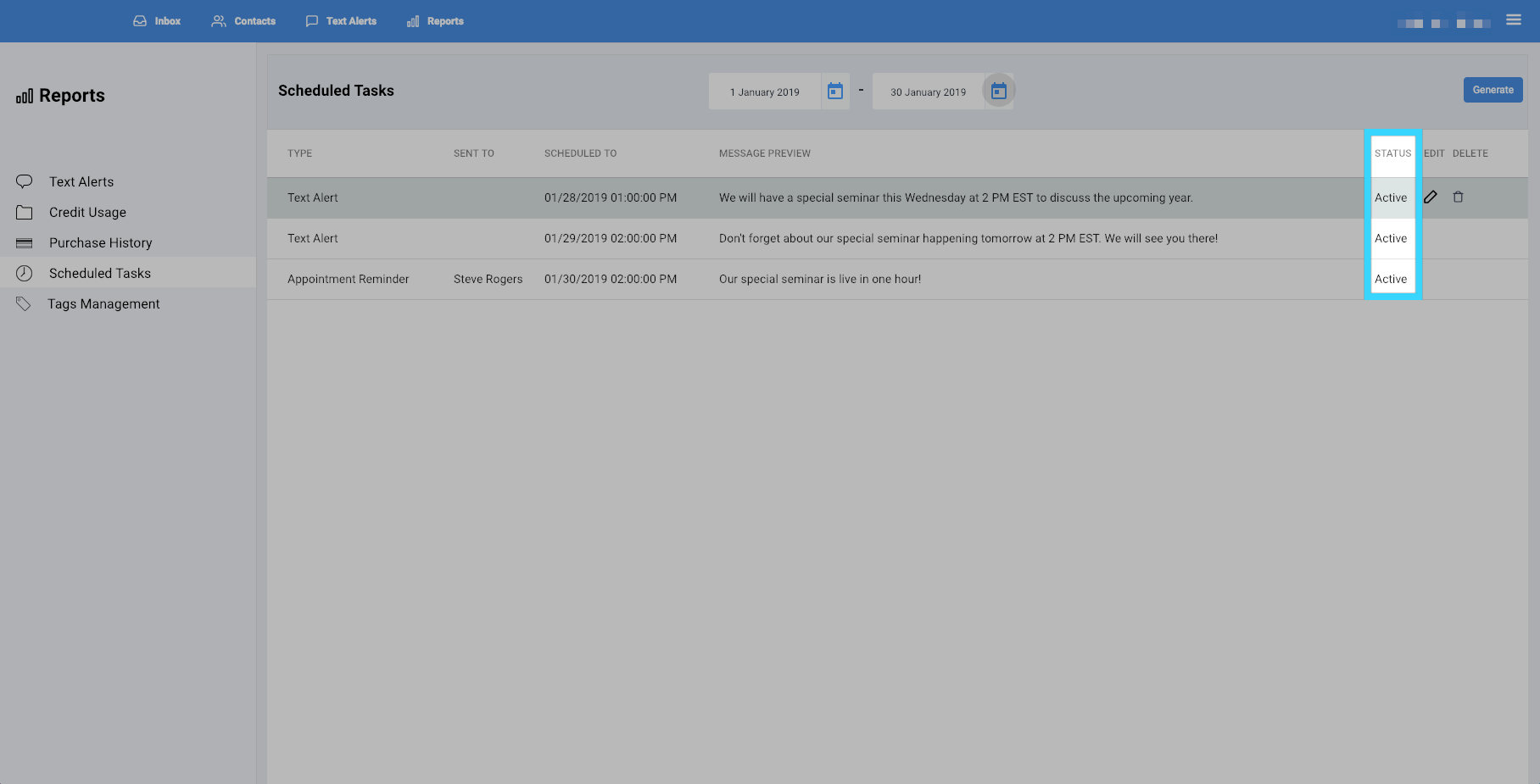
- The "Status" column will show you if the scheduled task is active or not.
- Click on the edit icon (
 ) to change the settings of the scheduled task.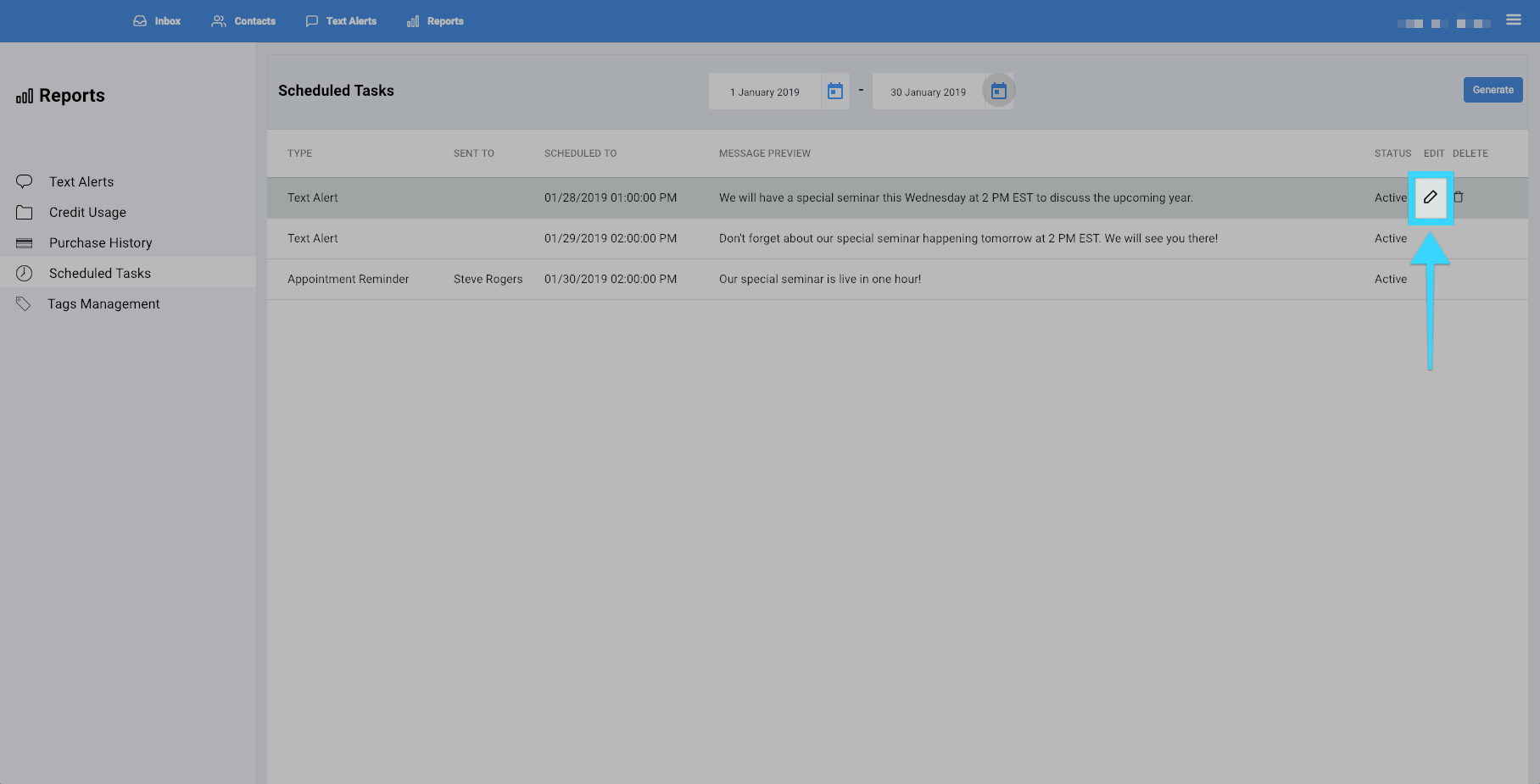
- Click on the delete icon (
 ) to remove the scheduled task.