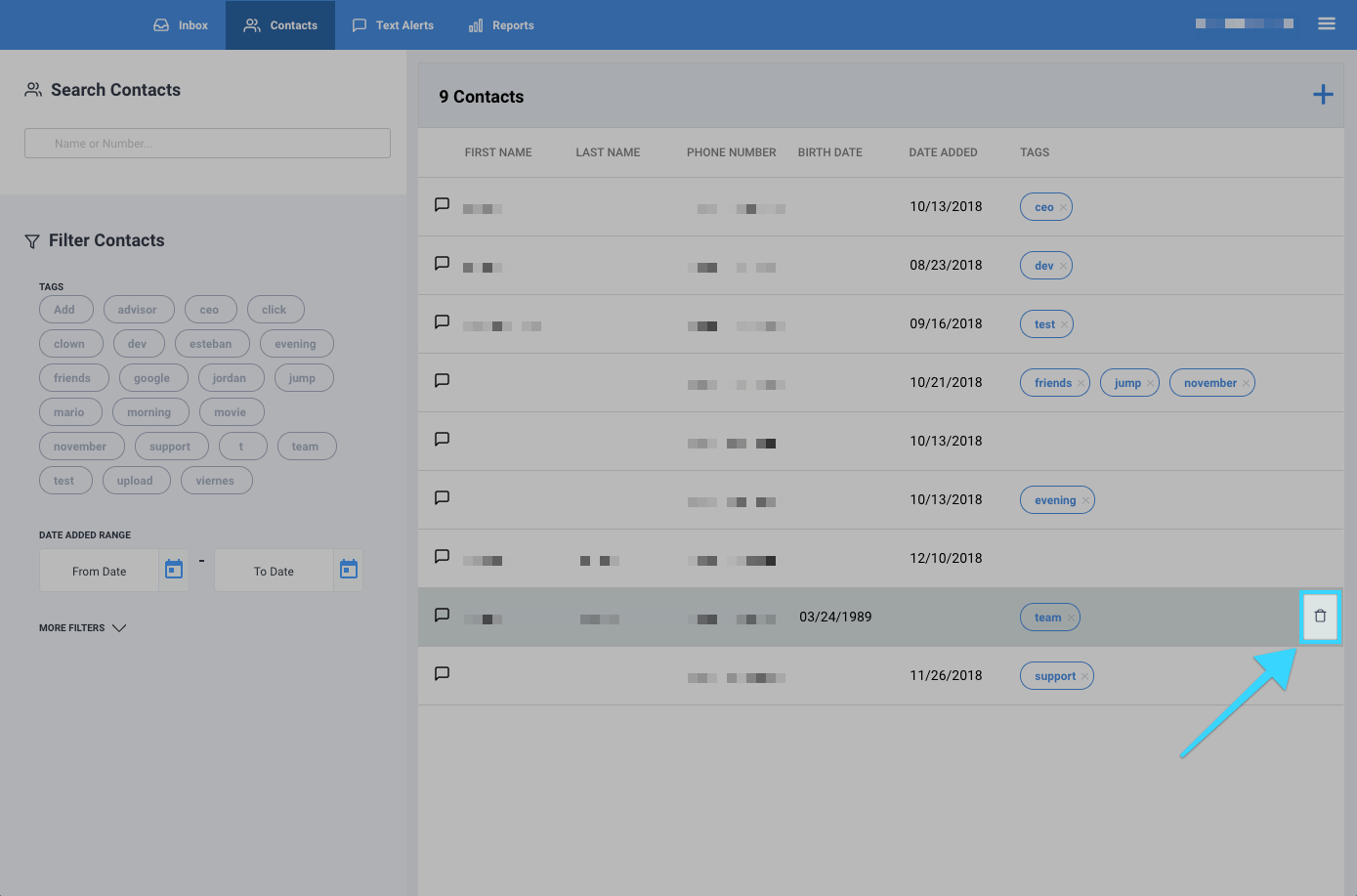
You can delete a contact to remove them from the system.
- Go to the Contacts tab.
- Under "Search Contacts," search for the contact you're looking for by name or number.

- Once you find the contact you're looking for, hover over it with your mouse and click on the delete icon (
 ). Your contact will then be deleted from the system.