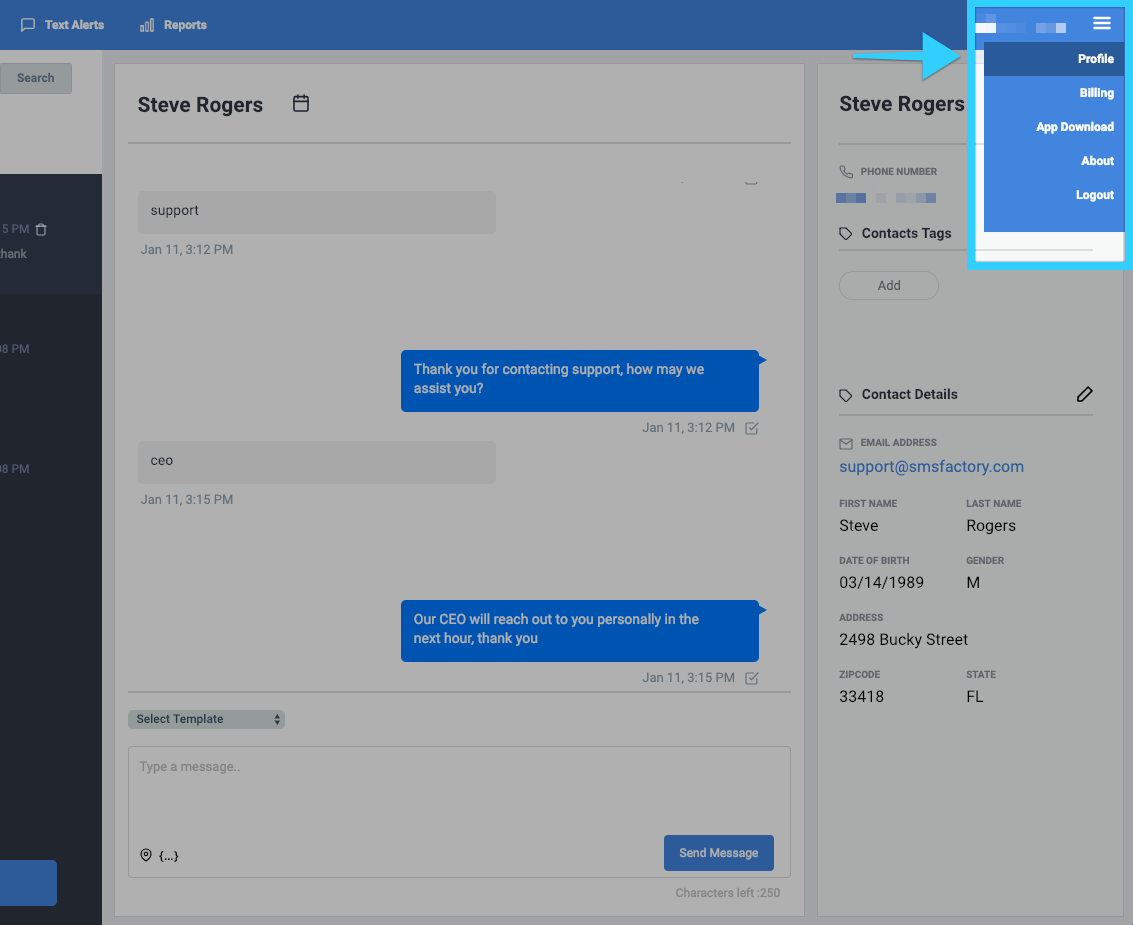
The address shortcut can be used to easily insert your business address into a message. The address displayed is the one used in your profile.
- You will find the address shortcut (
 ) at the bottom left corner of the message box when composing any type of message.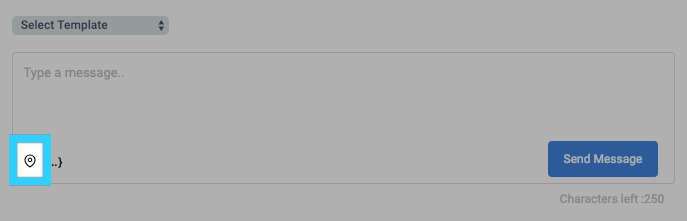
- Simply click on the address shortcut and it will be added to the message.
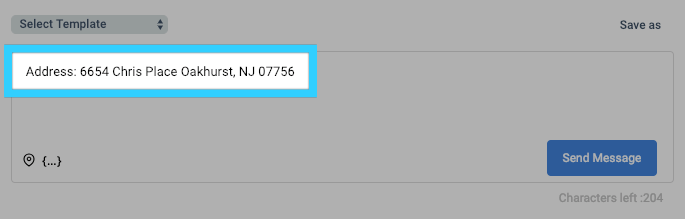
- Note: The business address displayed is the one used on your profile page.