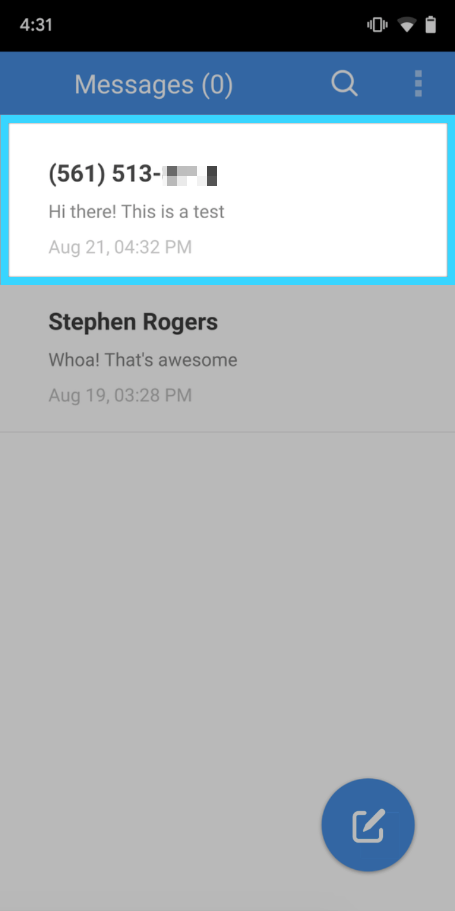
Compose a new message to communicate with a user's mobile number.
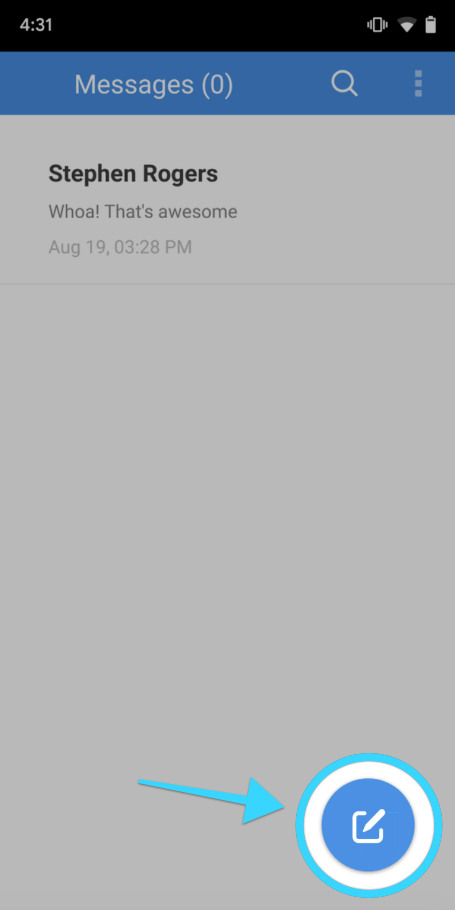
- Go to the main screen showing your conversations and click on the compose button on the bottom right:
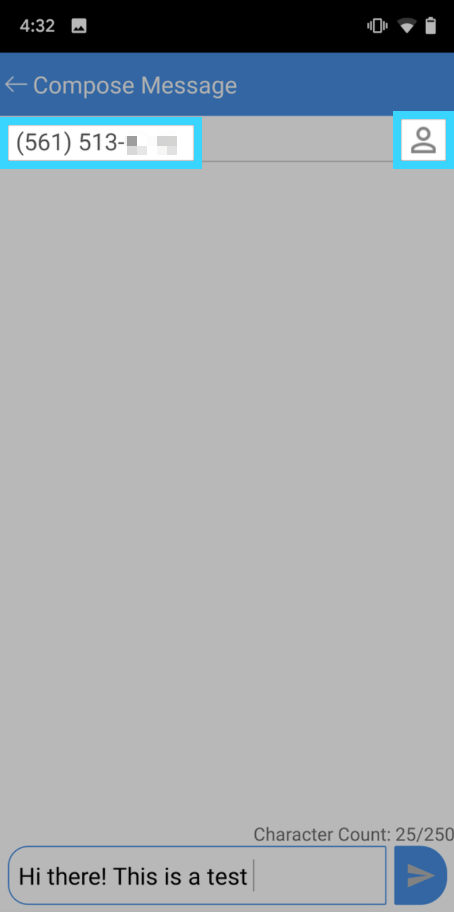
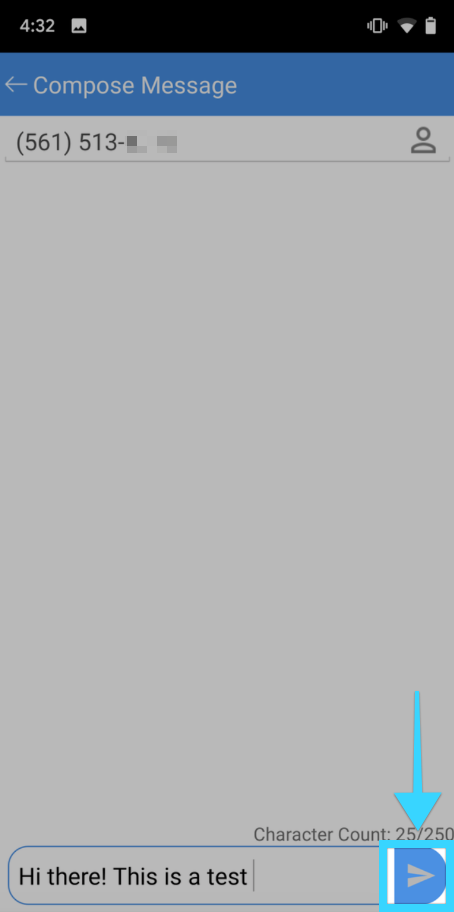
- On the next screen, enter the user's phone number or click on the contact icon to choose a mobile number for your mobile phone's contact list:
- On the same screen, enter the message you'd like to send to the mobile number:
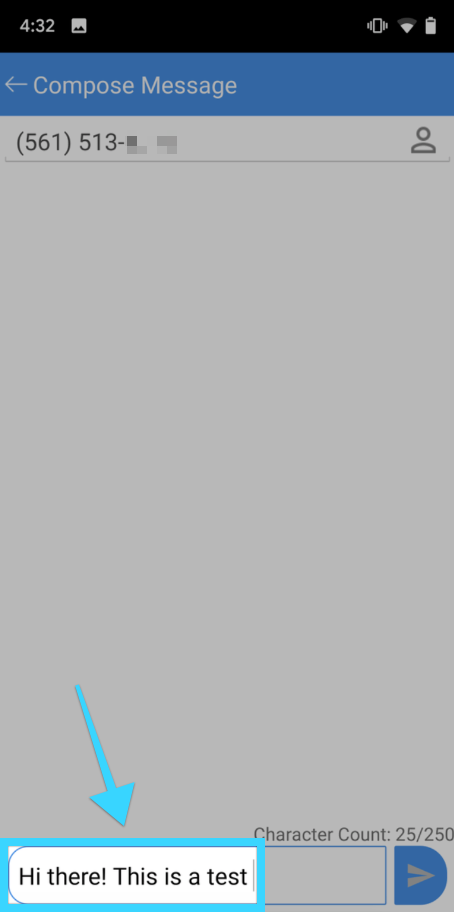
- Click the send button to the right when done and your message will be sent to the mobile number:
- The screen will close and will see the message you've sent at the top of the main screen with the rest of your conversations.