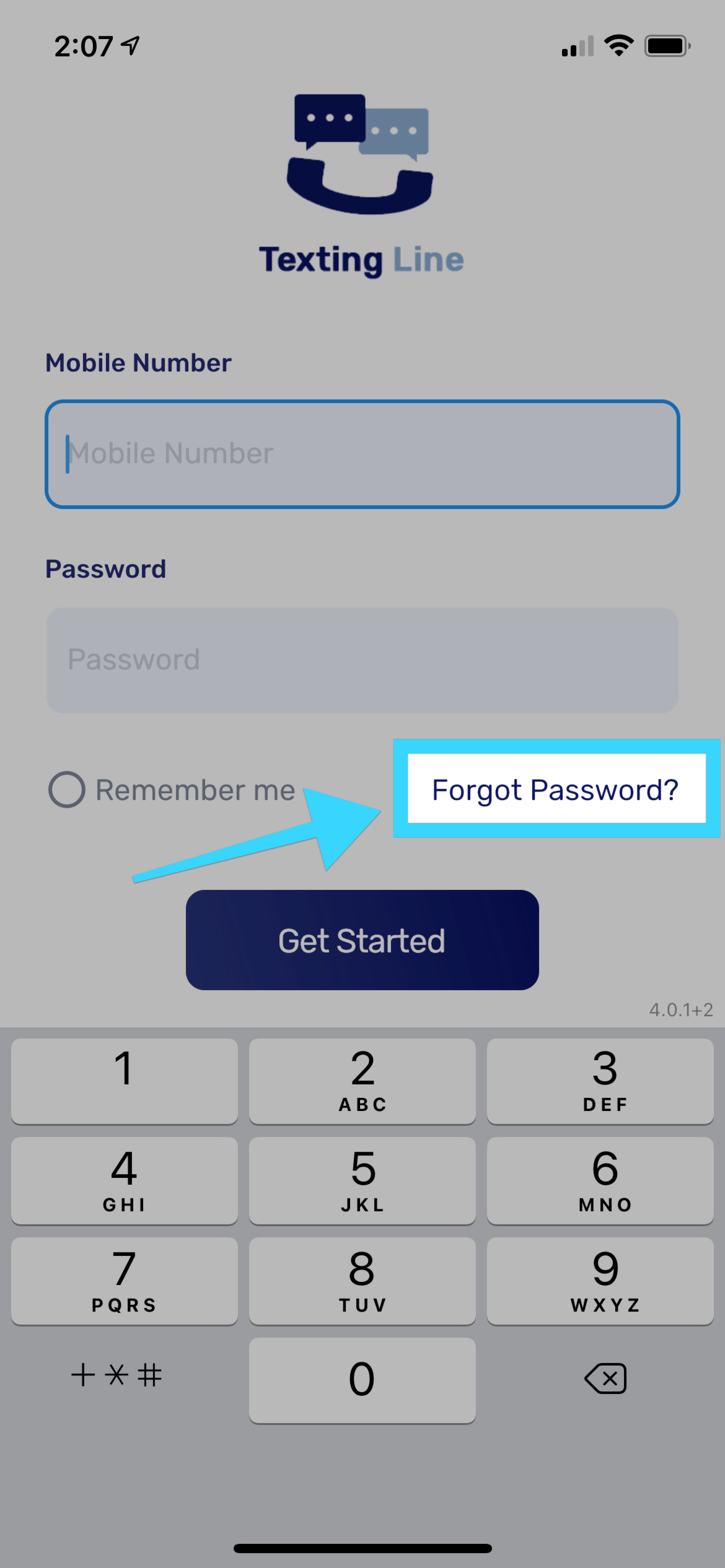
You can receive a new password if lost or forgotten by using the mobile app.
- From the login screen, press on "Forgot Password?":
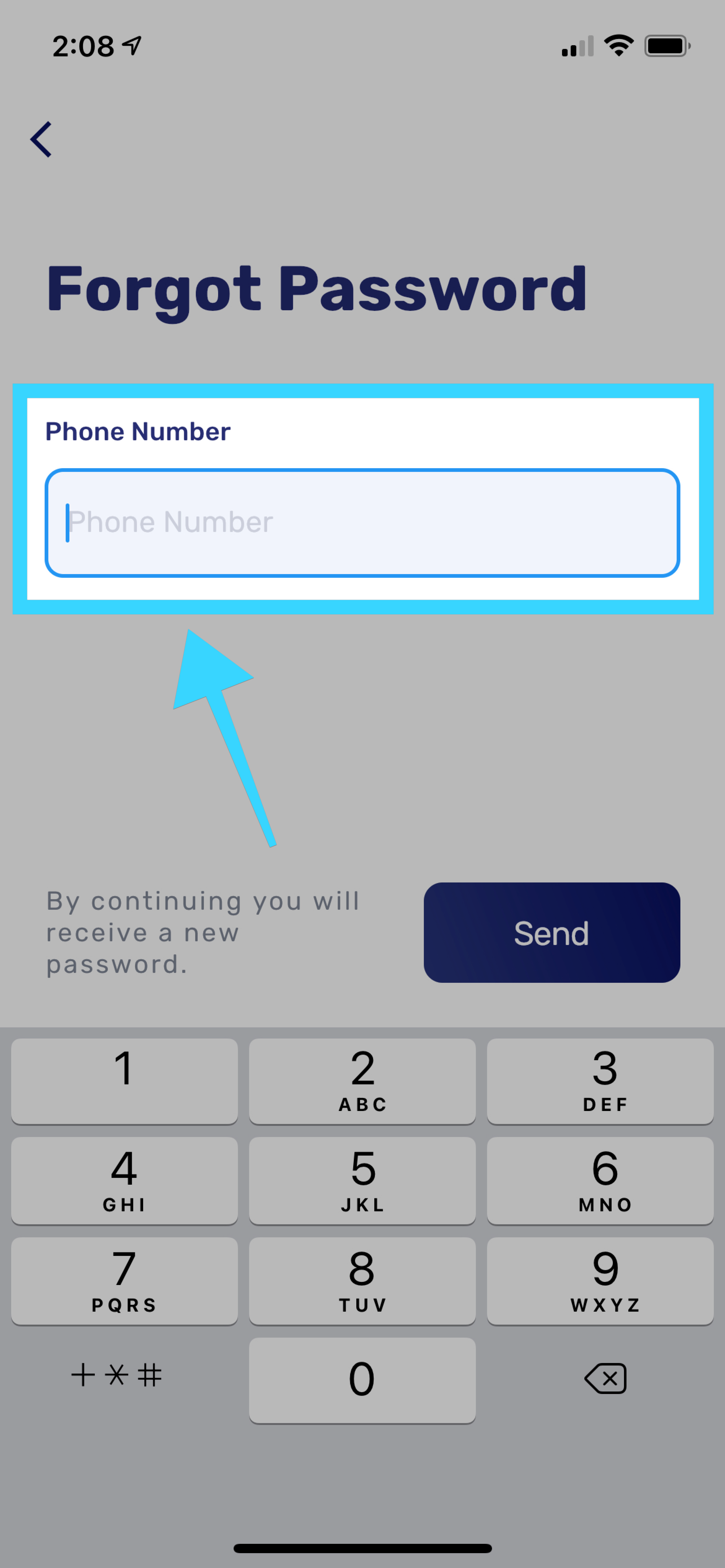
- Enter the mobile number associated with the account:
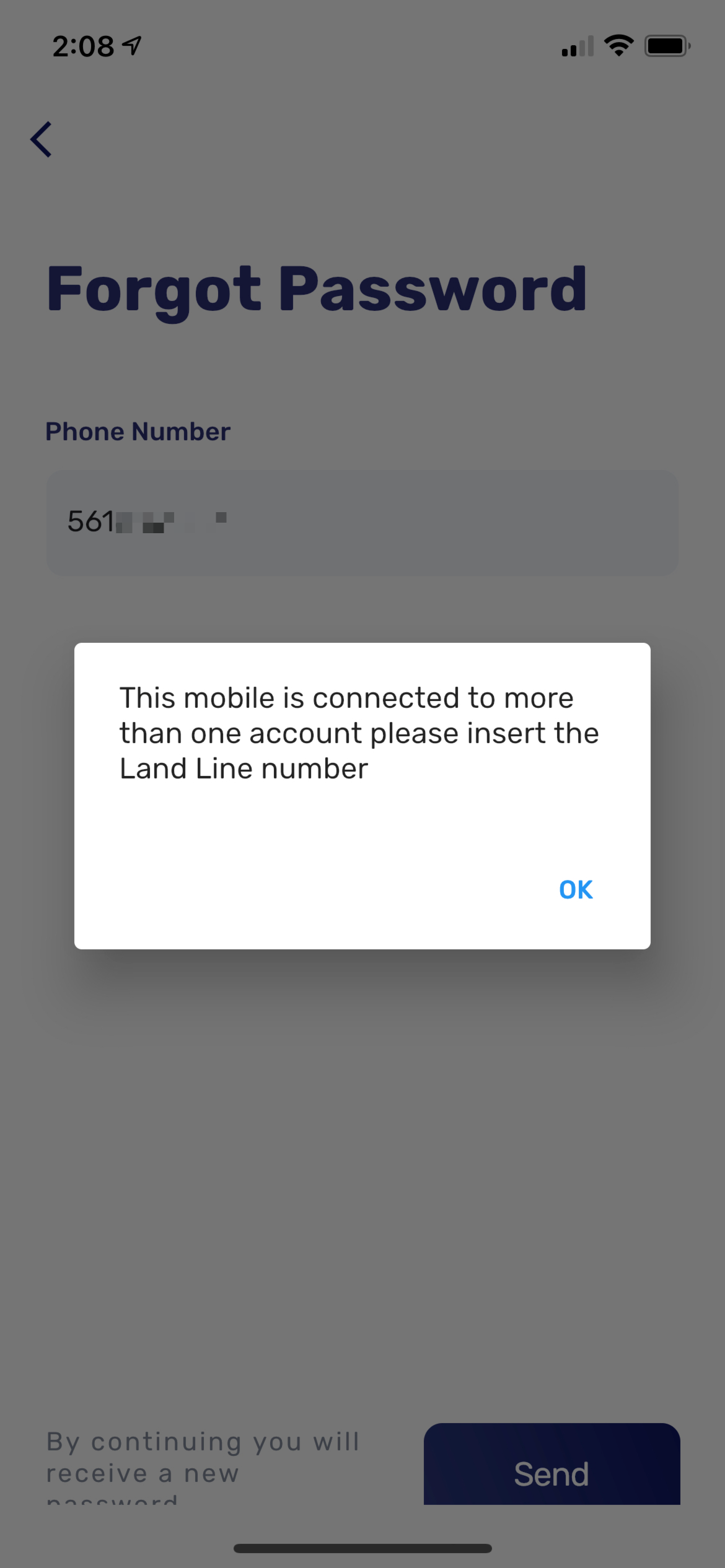
- Please note that if your mobile number is associated with multiple accounts, you will be required to enter the phone number being used by the account for which the password is needed:
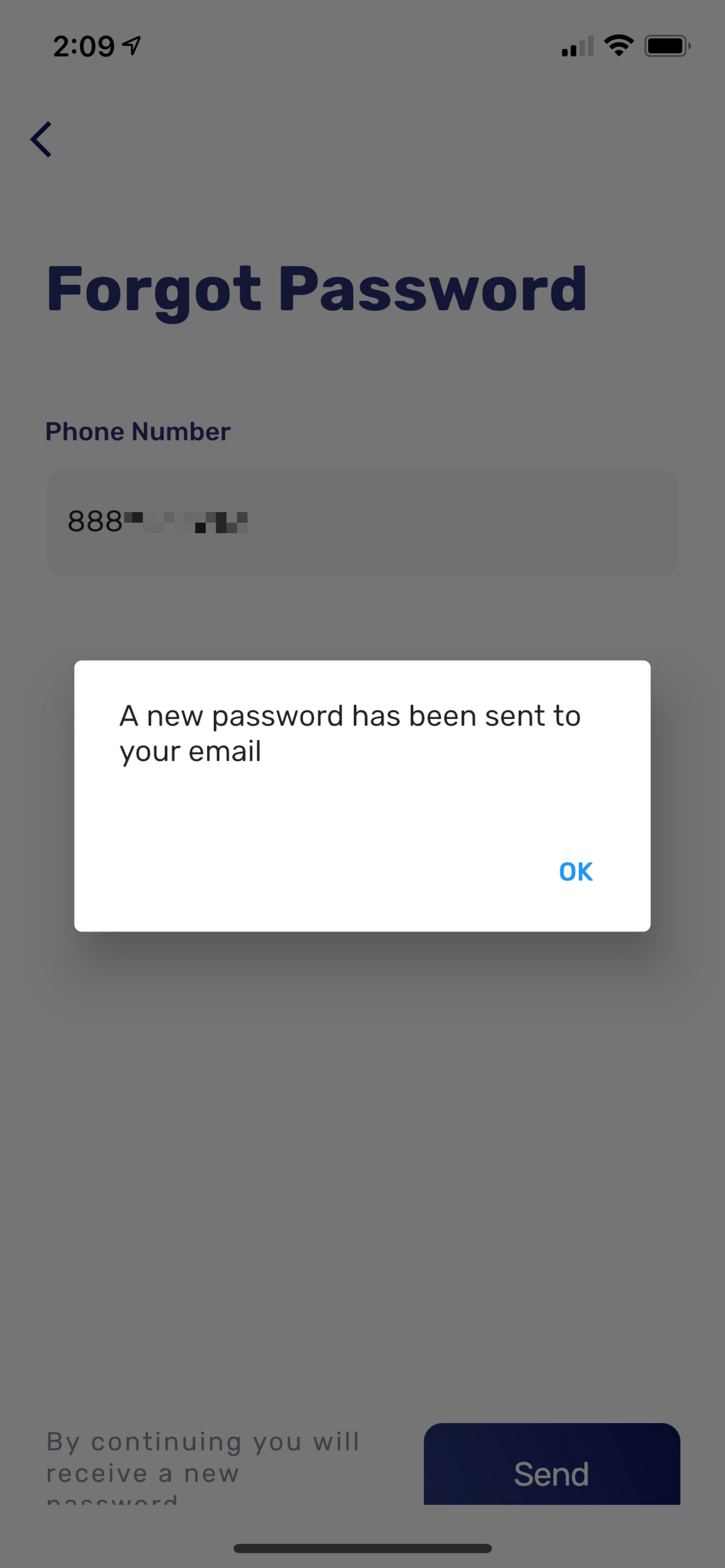
- Your new password will be sent to the email associated with the account: