Filtering users by birthdate range
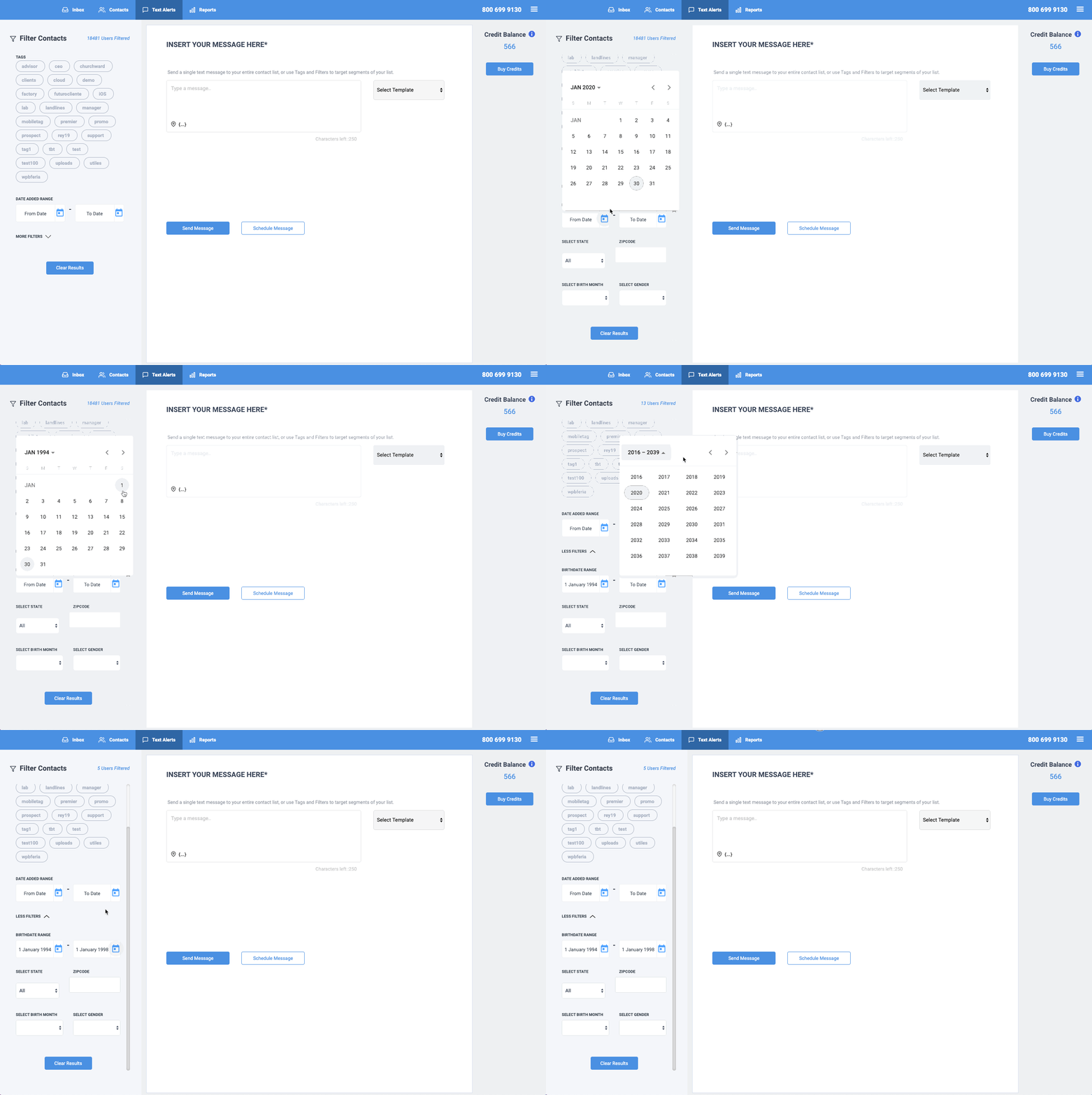
Do you need to send a text alert to contacts who were born in a specific period? No problem! Go to the options on the left side of your screen and click on "More Filters." From there you will see a filter for birthdate range. Next, choose the range of dates the system should filter. Once you do this, you will see how many contacts have been filtered at the top of the screen. You can then continue to set up your text alert. To learn more about using filters, please click here to view our guide.
Thank you for choosing SMS Factory!