You can view reports to check different information such as text alerts sent, credit usage, purchase history, scheduled tasks, and tags management.
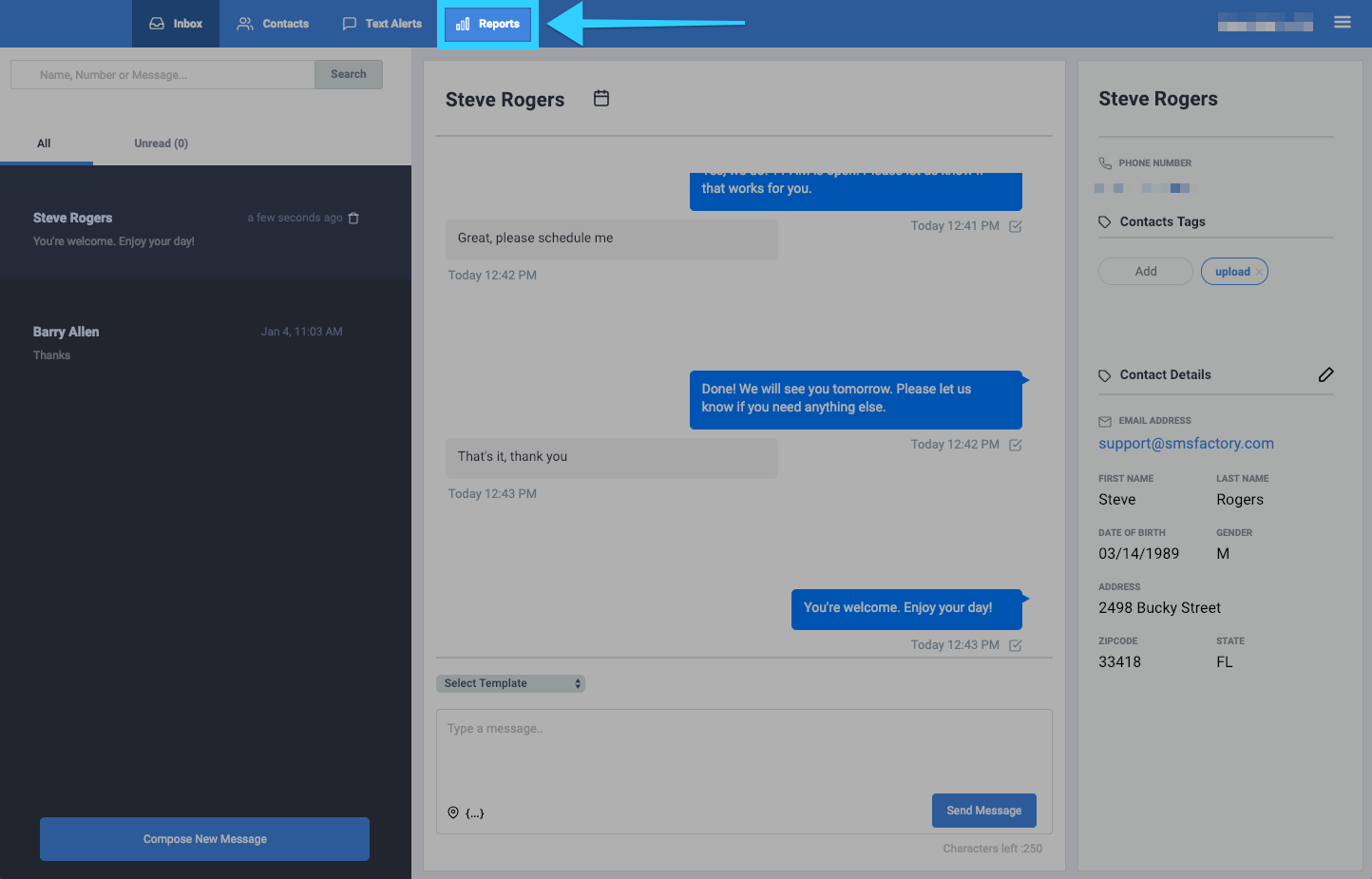
- Click on the Reports tab.
- You will be presented with different report options on the left side of the screen. Click on your desired report to view it.
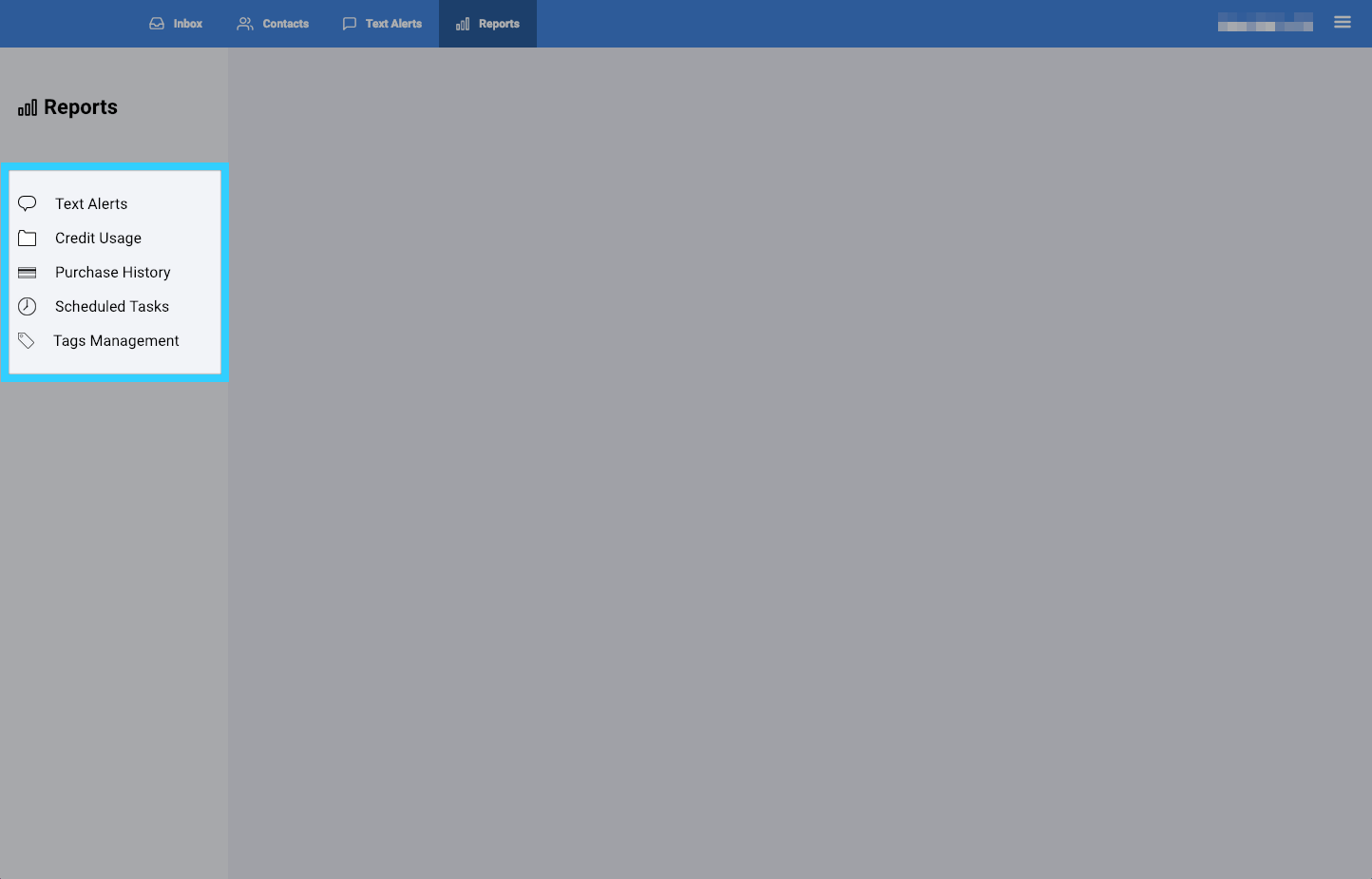
- Text Alerts: View data of text alerts sent. Click here to learn more.
- Credit Usage: View the number of credits used and how they were used for a specific time period. This also includes data of the mobile numbers that received messages. Click here to learn more.
- Purchase History: View purchase history of credits. Click here to learn more.
- Scheduled Tasks: View any scheduled tasks such as text alerts or appointment reminders. Click here to learn more.
- Tags Management: View tags, create tags, delete tags, and also activate a tag as a keyword auto-reply. Click here to learn more.